Piano practice, reinvented

See every note you play.

Piano Mirror puts your sheet music on a screen, plays it for you, then listens while you play it back — and shows you, note by note, exactly how you did. Practice becomes an interactive conversation, not a guessing game.

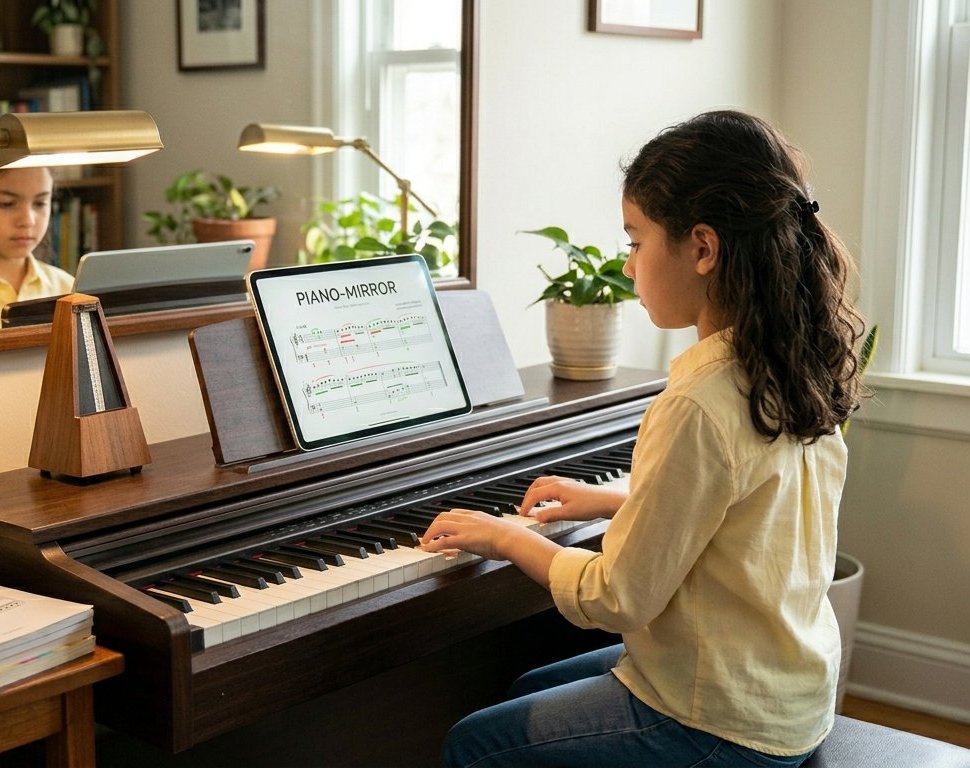
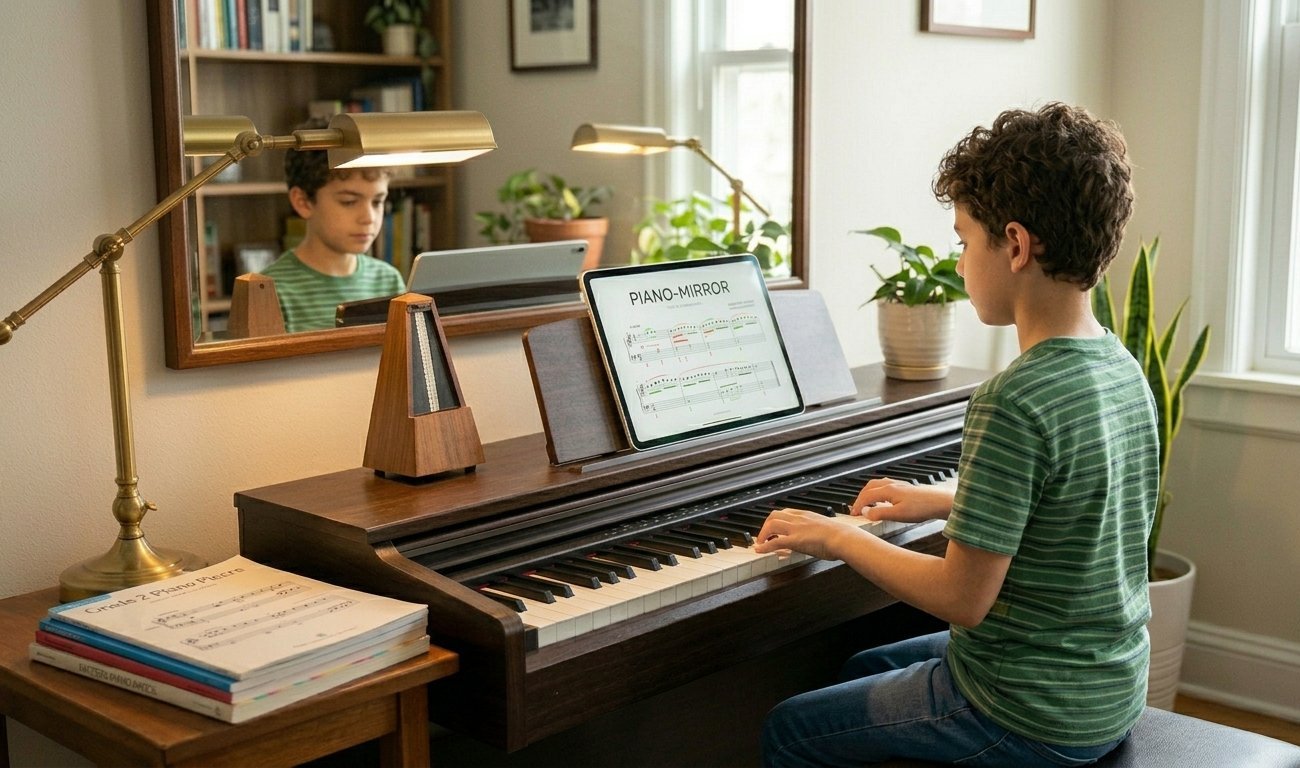
A young student playing a digital piano with the Piano Mirror score on a tablet on the music desk
Why Piano Mirror?

You don't have to have perfect-pitch.


Piano students when practising alone, can make mistakes that slip past unnoticed — and get rehearsed until they stick. Piano Mirror listens to your digital piano while you play a piece and compares every note against the score, instantly. When you finish, you get your performance back as sheet music with every note colour-marked.

No microphone, no guesswork: the notes come straight from your keyboard's USB-MIDI connection, so the feedback is in real time.

Who we are and why we created Piano Mirror

Piano Mirror is the result of the combined effort of software, musicians and music teaching enthusiasts and AI. It is produced with open source and custom made software, some AI generated, that meets the main objective of enabling high productivity piano practice for beginner and intermediate students of all ages, at an insignificant cost. This web site was also produced by a mix of AI and custom generated material to minimize production costs.

The student, our target audience, is the one that ultimately reaps the greatest benefit.

Your performance, marked like a score

  • Green — right note, well done
  • Red — wrong note, worth another look
  • Grey — a note you skipped

The marked transcript opens in Piano Mirror itself — keep it, compare last week's to today's, and watch the red turn green.

How it works

Three steps to better practice

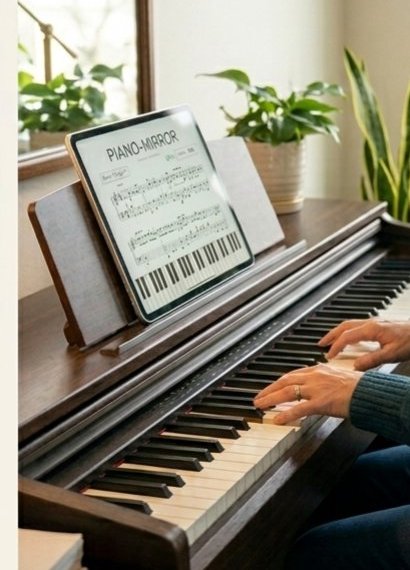
A tablet showing the Piano Mirror score sitting on a digital piano's music desk
STEP 1

Set up once

Unzip, connect your digital piano to your Windows or Mac computer — desktop or laptop — with a USB cable, Wi-Fi, or Bluetooth, and double-click the Piano Mirror server. Open the app in your browser — on the computer itself, or on a tablet resting on the music desk.

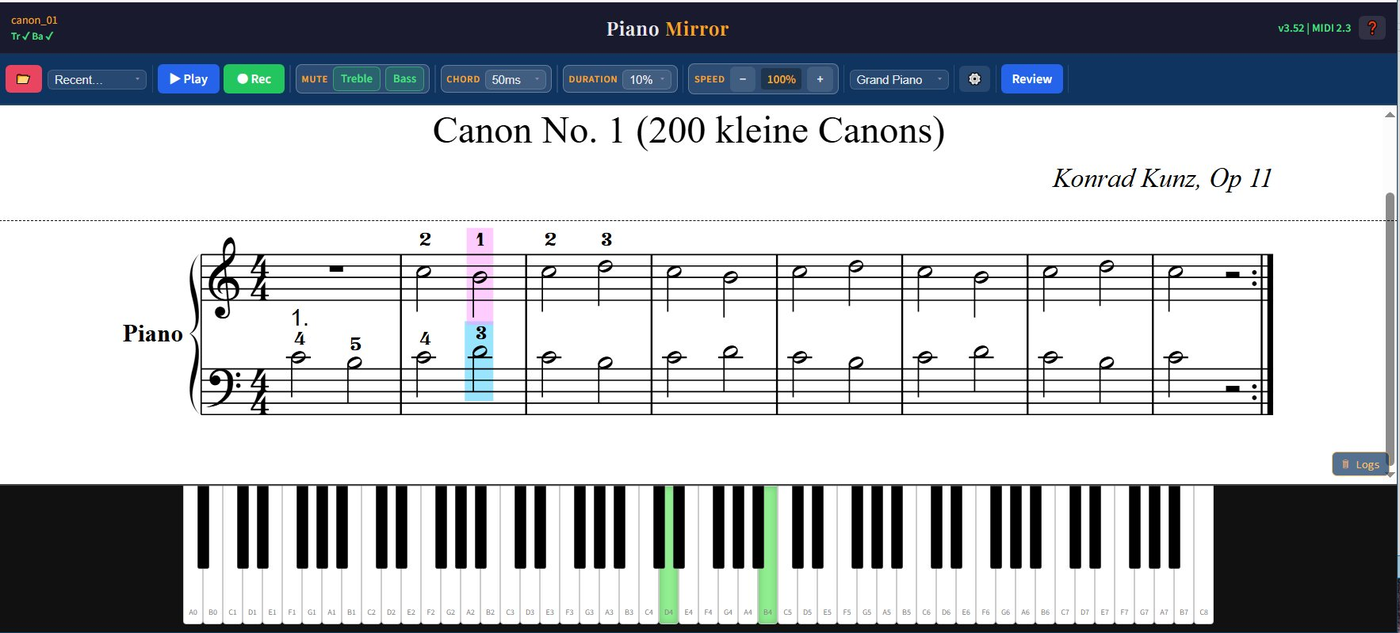
Piano Mirror playing a score with the current beat highlighted and keys lit green
STEP 2

Choose a piece and listen

Load any MusicXML score, like those supplied in the download. Piano Mirror plays it while a cursor follows the music and the on-screen keyboard lights every note. Slow it down, mute the left or right hand, then practice and learn each part at your own pace.

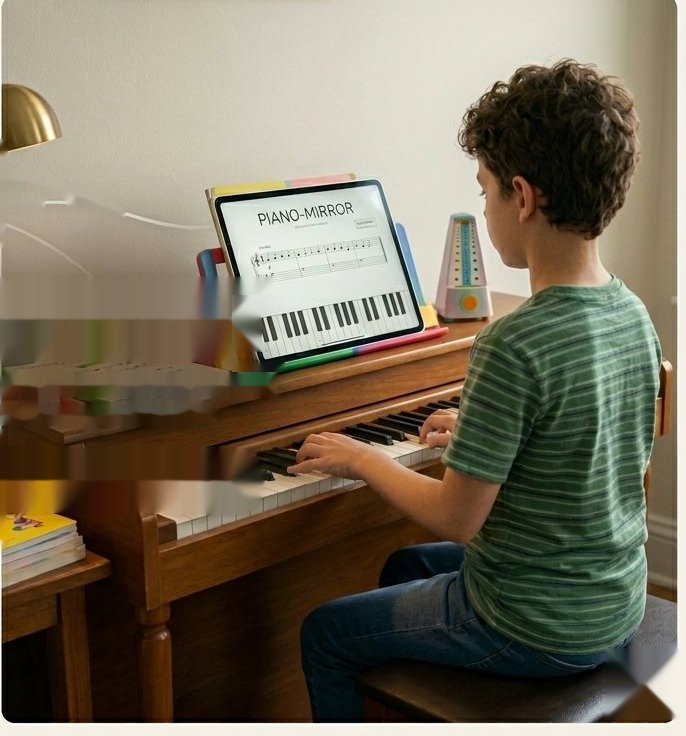
A boy playing piano with the Piano Mirror score and a metronome on the music desk
STEP 3

Press Rec and play

Piano Mirror listens through MIDI as you play and matches every note against the score, live. When you finish or stop your colour-marked transcript is ready — green, red and grey, beat by beat.

Two apps, one goal

The on-line player gets you started.
Piano Mirror closes the loop.

Free on-line XML Player

Hear it played right

  • Plays any MusicXML score, beautifully rendered
  • Animated cursor follows the score as you play
  • Piano keyboard on screen lights each note as it sounds
  • Practice speed control — from a crawl to full tempo
  • Mute the treble or bass part to study hands separately
  • Add interest through a choice of instrument sounds
Piano Mirror — everything in the Player, plus

Hear yourself, see yourself

  • Records your performance straight from your keyboard's MIDI — exact, instant, no microphone
  • Live error detection while you play
  • Colour-marked transcript of every practice session: green, red, grey
  • Transcripts open in Piano Mirror — track progress over days and weeks
  • Adjustable chord matching algorithm that grows with your skill
  • Use a tablet on the music desk as your display
Straight from the app

Designed for the music desk

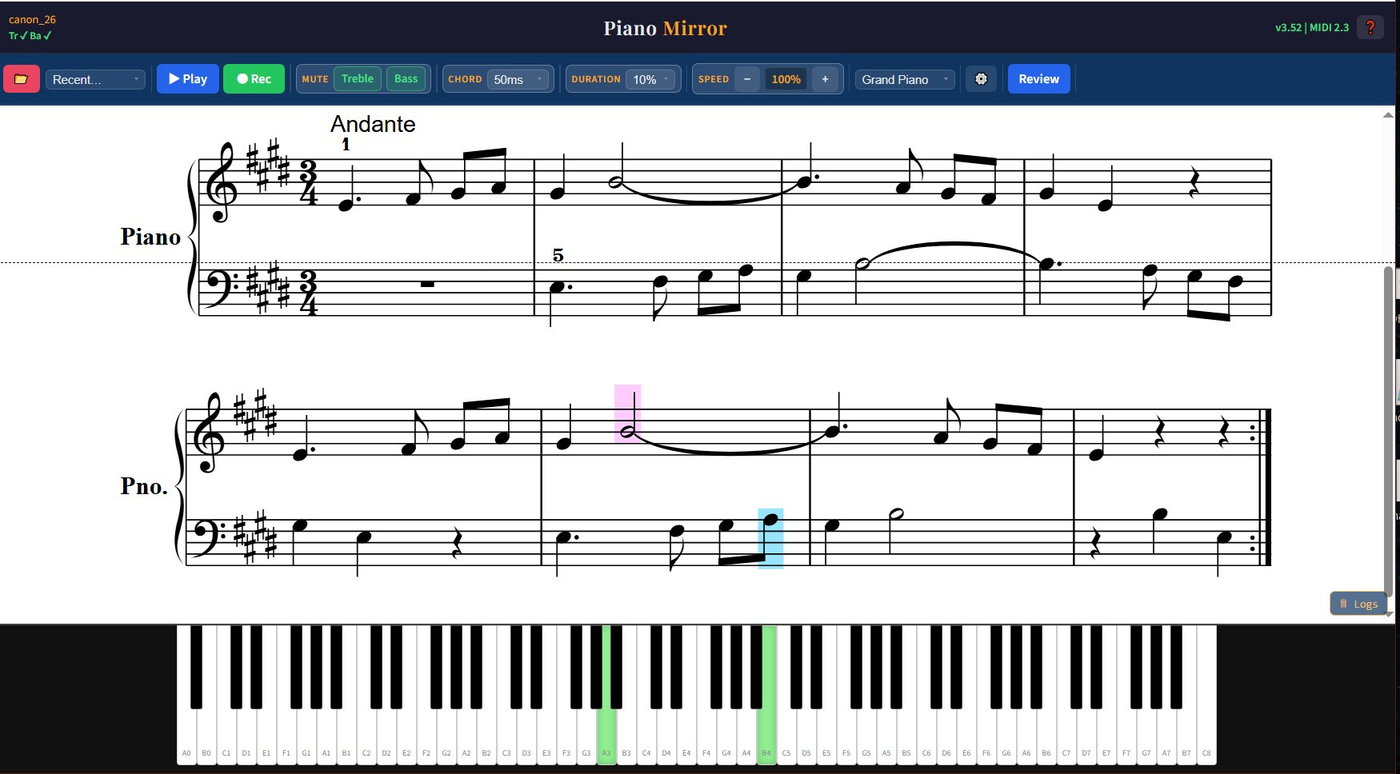
Piano Mirror play mode: Canon No. 1 with fingering numbers, the current beat highlighted in pink and blue, and two keys lit green on the keyboard
Play mode. The score is rendered with fingering numbers; pink and blue cursors track the treble and bass parts while the keyboard below lights the sounding notes in green. Tempo, hand muting and instrument are one tap away.
Piano Mirror with a two-system score in record mode, cursors mid-piece and the Review button visible
Record mode. Press Rec, play the piece on your own piano, and review the result — the same score view shows exactly where you and the music parted ways.
Who it's for

Beginner to intermediate, age six to ninety-six

A boy practising at a digital piano with Piano Mirror on the music desk

Young beginners

The lit-up keyboard and instant colours turn practice into a game — and teachers and parents can see the week's progress at a glance.

A girl playing a digital piano, reading the score from a tablet

Developing students

Slow a hard passage down, drill hands separately, and let the transcript show whether it really is fixed.

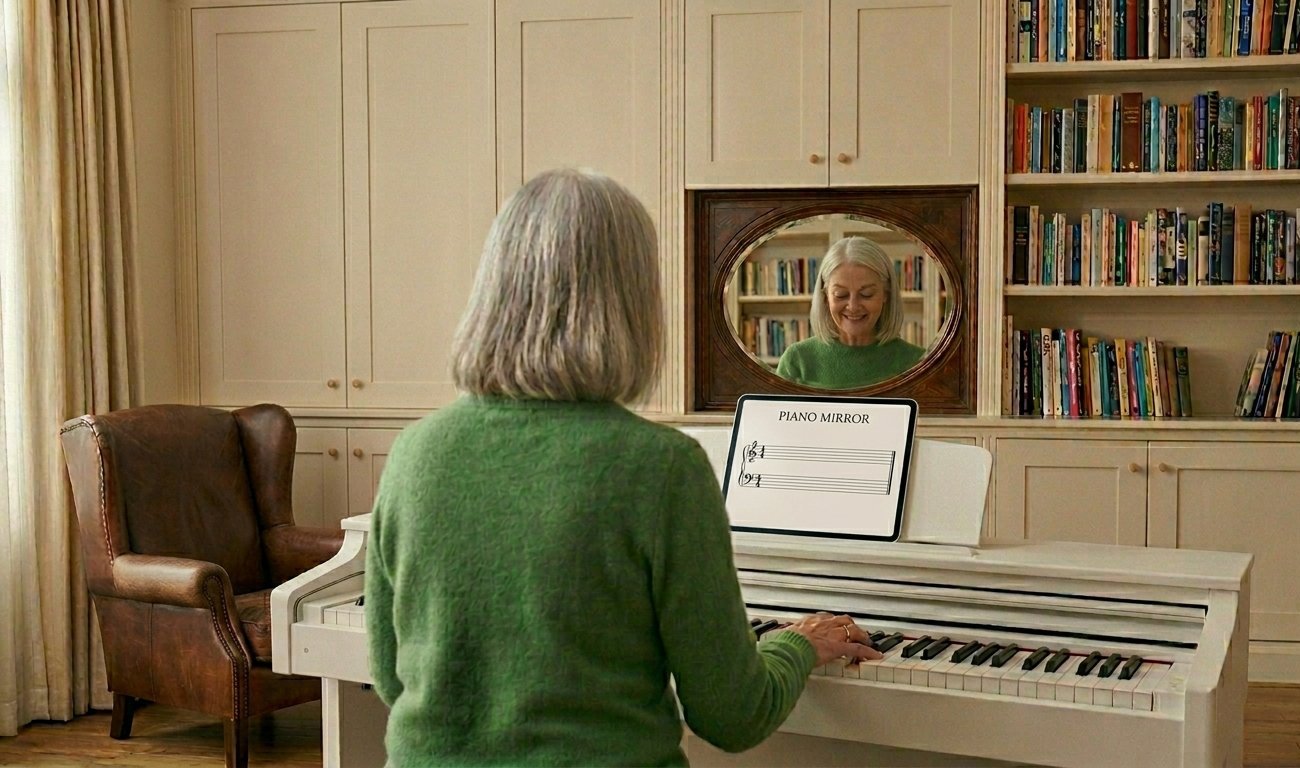
An adult playing a white digital piano with the Piano Mirror score on the music desk

Returning adults

Picking the piano back up after years away? Practise honestly, privately, and at your own tempo — the mirror never judges.

Before you buy

What you need

For the free XML Player bundled with Piano Mirror

  • Any device with a modern browser — and you can try it first right on this site
  • Or download it to play your own scores offline on a Windows or Mac computer
  • MusicXML score files (.xml / .musicxml), many are bundled in the download — the FAQ below lists easy ways to get thousands more, for all skill levels and musical preferences

For Piano Mirror recording

  • A digital piano or keyboard with USB-MIDI (most have it)
  • A Windows or Mac computer — laptop or desktop — connected to it by USB cable (Mac: macOS Catalina 10.15 or later)
  • Chrome or Edge browser
  • Optional: a tablet on the music desk as your display, on the same Wi-Fi

Plain truth: a tablet on its own cannot run Piano Mirror — recording needs a computer next to the piano. No internet connection is needed while you practise, there is no account, and your playing never leaves your home.

Download

One small price. No subscription. Yours for good.

Every purchase includes the free player too.

XML Player

Free
with every download
  • Full score playback with cursor and lit keyboard
  • Tempo control and hand muting
  • No server installation required, runs entirely in your browser
Questions

Asked and answered

Will it work with my keyboard?

If your digital piano or keyboard has a USB port that connects to a computer (sometimes labelled "USB to Host"), or Bluetooth or Wi-Fi connection, yes. That covers most instruments made in the last fifteen years, from Casio and Yamaha to Roland and Kawai.

Can I use it on an tablet alone?

The free player: yes — it runs in any browser, including on this site. Piano Mirror's recording: no — a Windows or Mac computer (a laptop is fine) must be connected to the piano. A tablet works beautifully as the display on the music desk, with the computer anywhere nearby on the same Wi-Fi.

Where do I get scores?

Piano Mirror plays standard MusicXML files, and they're easy to come by: export them from MuseScore (free) or any notation program, download them from the many free sheet music libraries online, or use one of the score-scanning apps for computers and phones — several are free — that turn a printed score or even a photo of one into MusicXML. Many starter pieces are included in the download.

I already have a piano teacher — is Piano Mirror still useful?

That's when it shines brightest. Your teacher hears you once a week; Piano Mirror hears you every day in between. It makes the practice your teacher assigns more fun and more honest — and there are few better feelings than surprising them with how far the piece has come since the last lesson.

Can I practise from a printed score instead of a screen?

Yes. Put your paper score on the music desk as usual — Piano Mirror just needs the same piece loaded (as MusicXML) on the computer, which can sit anywhere within reach. Press Rec, play from paper, and review the colour-marked result on the computer's screen afterwards.

Is it a subscription? Does it need the internet?

No subscription — you buy it once and it's yours. After download it runs entirely on your own computer and home network; no account, no cloud, and your practice sessions stay private.

Does it run on a Mac?

Yes — Piano Mirror runs on both Windows and Mac (macOS Catalina 10.15 or later). One download from the buy page has both the Windows and the Mac versions. The on-line free player runs in any browser on any device including Macs, and also right on this site with no download needed.

What if it doesn't work for me?

Write to us within 14 days of purchase and we'll either get it working or refund you, at your choice, no questions asked. Check the requirements above first — they're the honest list. If we do refund you, we simply ask that you delete the downloaded files.